

Generate a QR code with your logo in the center, right in your browser.
Updated
/ 5 - Be the first to rate this tool Thanks for rating!
Verification failed - please try again.
Quick check
Please verify you're not a robot to submit your rating.
Give feedback
Tell us what you think about Add a logo to your QR code for free.
Appearance
A high error-correction level is always used so the logo stays scannable.
Your QR code will appear here as you type.
- Centers your logo without breaking scannability
- High error-correction keeps the code readable
- Free, no account required
How it works
-
1
Enter the content you want to encode — a URL, text, or Wi-Fi details.
-
2
The QR code is generated instantly as you type.
-
3
Adjust size, color, or logo if the tool supports it.
-
4
Download the QR code as an image, ready to print or share.
Why use this tool
Every QR code type, one place
Generate codes for URLs, Wi-Fi, contacts, payments, events, and more — no need to juggle separate generators.
Private by default
Most codes are built entirely in your browser from what you type — nothing is uploaded to generate them.
Works on any device
Runs in the browser on Windows, Mac, Linux, iOS, and Android — nothing to install, nothing to trust but the tab.
Instant results
No queues and no app to wait on — your QR code updates the moment you finish typing.
Scan-ready, every time
Codes are built with a high error-correction level, so they stay readable even with a logo or minor damage.
Free, always
Every tool here is free to use, with no watermarks, scan limits, or forced trial period.
Frequently asked questions
No, the tool increases the error-correction level (usually to 30%) to ensure the code remains perfectly scannable despite the covered area.
To maintain readability, the logo should cover no more than 15-20% of the total QR code surface area.
You can typically upload standard web image formats like PNG, JPG, or SVG for the central icon.
Because it is a static graphic generation, you will need to create a fresh image file if you want to swap the logo.
A transparent PNG often looks cleaner, but solid backgrounds are fine as long as they don't interfere with the surrounding data modules.
From the blog
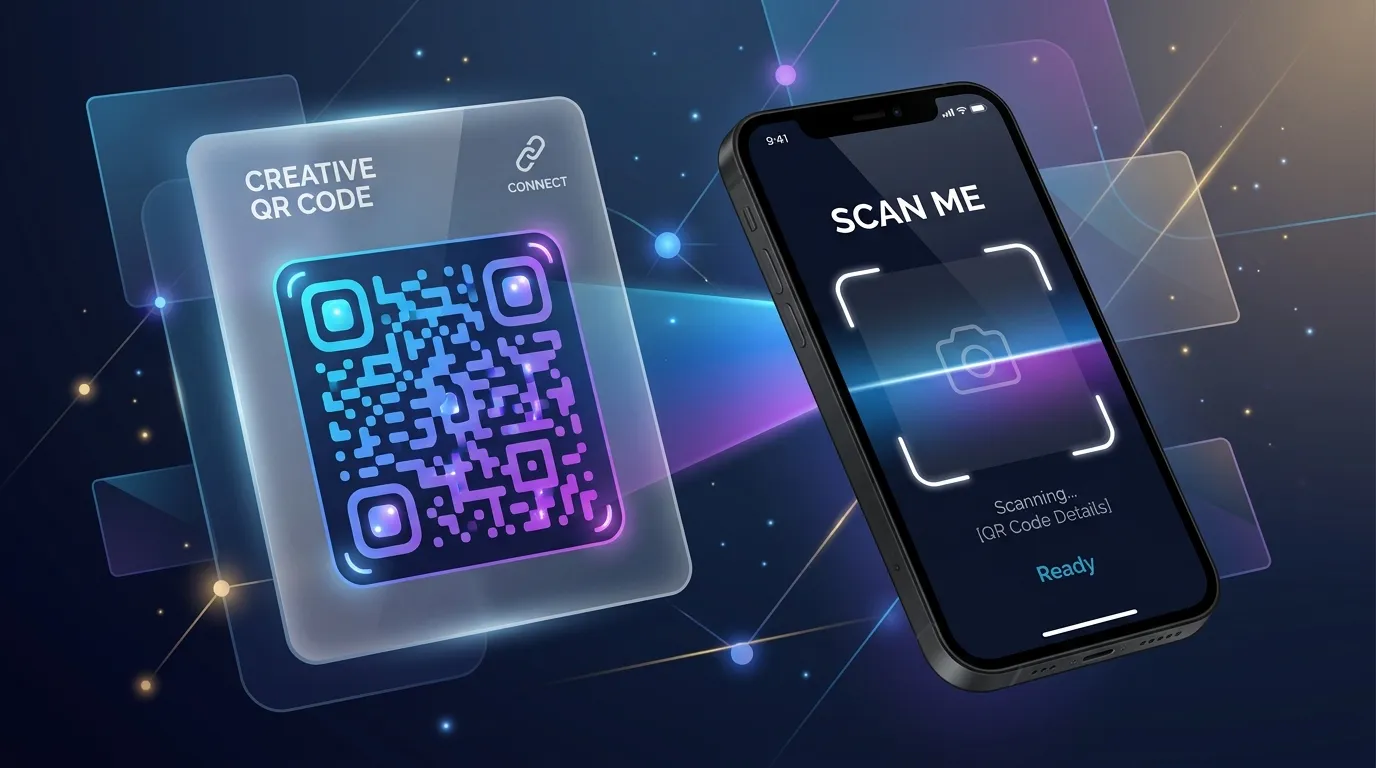
Why QR Codes Fail in the Real World (and How to Print Ones That Do Not)
A code that scans perfectly on your monitor can be unreadable on a poster, a menu, or a shipping label. Here is what breaks between the screen and the print run, and how to test before you spend money.

Tracking QR Code Scans: Analytics and Privacy
Dynamic QR codes allow you to track scan locations, times, and devices. Learn how to gather valuable marketing analytics while respecting user privacy.
Designing Scan-Friendly QR Codes: Colors, Contrast, and Placement
QR codes don't have to be boring black-and-white squares. Discover how to use custom colors, logos, and correct contrast ratios while ensuring they scan perfectly.
Recently viewed
Generate a PayPal.Me QR code for free
Create a QR code that opens your PayPal.Me link, optionally pre-filled with an amount.
Generate a vCard QR code for free
Share your contact details instantly with a scannable vCard QR code.
Convert a PDF to PDF/A for free
Convert a regular PDF into the PDF/A archival format for long-term storage.
Add page numbers to a PDF for free
Insert page numbers in any corner, with a custom starting number and format.
Related tools
Generate a QR code for free
Create a static QR code for a URL, text, Wi-Fi, or contact card in seconds.
Generate a Wi-Fi QR code for free
Create a QR code that connects devices to your Wi-Fi network instantly.
Generate random numbers online
Generate one or many cryptographically random integers in a range, optionally unique, in your browser.
Reorder PDF pages for free
Drag and drop page thumbnails to put your PDF pages in a new order.
Redact a PDF for free
Black out text and images in a PDF by drawing boxes or searching for words, with the hidden content removed for good, not just covered.
Test a regular expression online
Test a JavaScript regular expression against sample text and see every match highlighted live.
Repair a damaged PDF for free
Attempt to recover a PDF that won't open or renders incorrectly.
Resize images in bulk for free
Resize many JPG, PNG, or WebP images at once by percentage, dimensions, or max file size, right in your browser.
Resize an image online for free
Resize JPG, PNG, or WebP images to exact dimensions or a percentage, right in your browser.
Rotate an image online for free
Rotate a JPG, PNG, or WebP image by 90°, 180°, or a custom angle, right in your browser.
Rotate PDF pages for free
Rotate one page or an entire PDF document to the correct orientation.
Scan documents to PDF for free
Capture pages with your phone camera, or upload photos, to build a PDF.