

Create a QR code that opens a pre-filled email with your address, subject, and message.
Updated
/ 5 - Be the first to rate this tool Thanks for rating!
Verification failed - please try again.
Quick check
Please verify you're not a robot to submit your rating.
Give feedback
Tell us what you think about Generate an email QR code for free.
Appearance
Higher levels stay scannable when partly obscured.
Your QR code will appear here as you type.
- Pre-fills the recipient, subject, and message body
- Only the email address is required — subject and body are optional
- Free, no account required
How it works
-
1
Fill in the details — contact info, message, or event, depending on the tool.
-
2
The QR code updates instantly as you type.
-
3
Preview how it will look once scanned.
-
4
Download the QR code as an image, ready to share or print.
Why use this tool
Every QR code type, one place
Generate codes for URLs, Wi-Fi, contacts, payments, events, and more — no need to juggle separate generators.
Private by default
Most codes are built entirely in your browser from what you type — nothing is uploaded to generate them.
Works on any device
Runs in the browser on Windows, Mac, Linux, iOS, and Android — nothing to install, nothing to trust but the tab.
Instant results
No queues and no app to wait on — your QR code updates the moment you finish typing.
Scan-ready, every time
Codes are built with a high error-correction level, so they stay readable even with a logo or minor damage.
Free, always
Every tool here is free to use, with no watermarks, scan limits, or forced trial period.
Frequently asked questions
Their default email application opens a draft addressed to you, with the subject line and body text pre-populated.
Yes, only the recipient email address is strictly required; the other fields are entirely optional.
Most basic email QR codes support a single primary recipient, though CC fields can sometimes be encoded manually.
No, the sent email is treated like any other message originating from the sender's email client.
No, the QR code only drafts the text of the email. Attachments must be added manually by the sender before sending.
From the blog
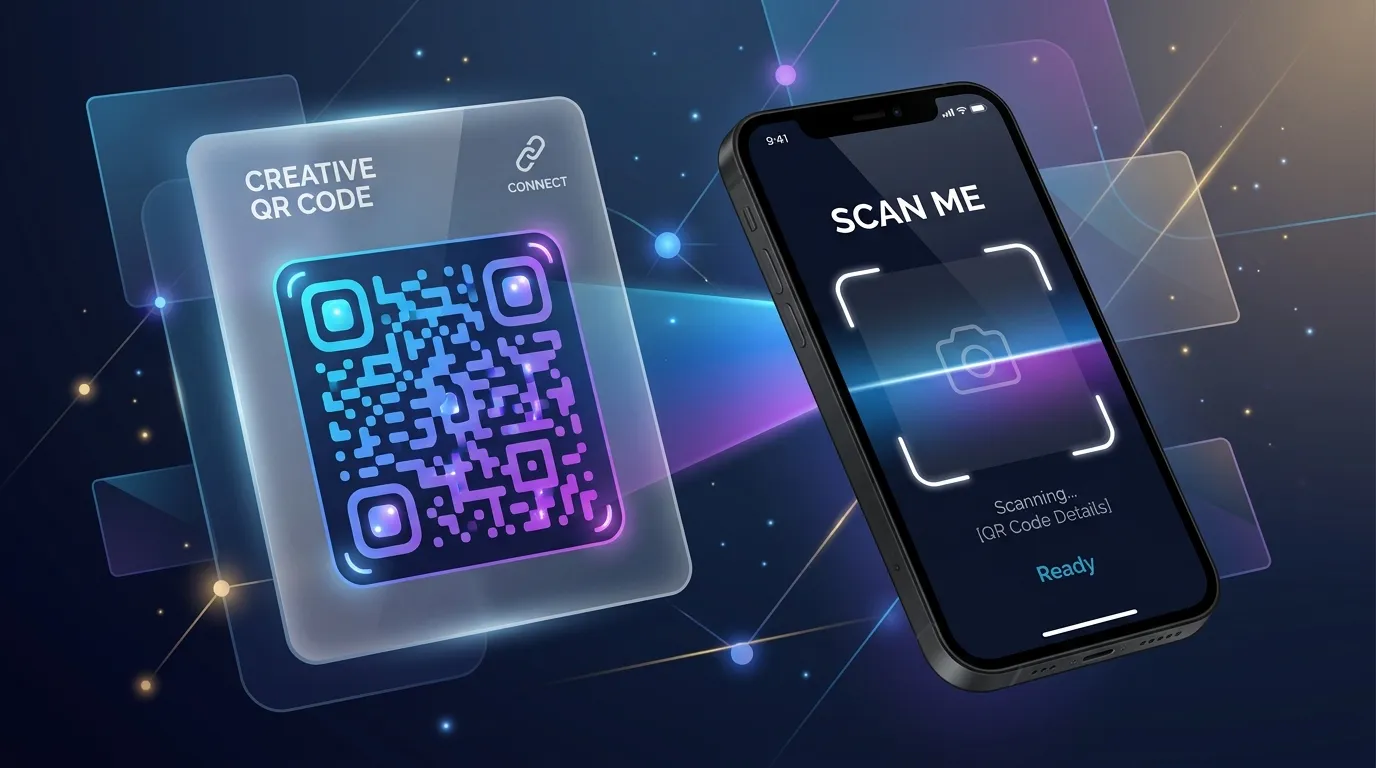
Why QR Codes Fail in the Real World (and How to Print Ones That Do Not)
A code that scans perfectly on your monitor can be unreadable on a poster, a menu, or a shipping label. Here is what breaks between the screen and the print run, and how to test before you spend money.

Tracking QR Code Scans: Analytics and Privacy
Dynamic QR codes allow you to track scan locations, times, and devices. Learn how to gather valuable marketing analytics while respecting user privacy.
Designing Scan-Friendly QR Codes: Colors, Contrast, and Placement
QR codes don't have to be boring black-and-white squares. Discover how to use custom colors, logos, and correct contrast ratios while ensuring they scan perfectly.
Recently viewed
Related tools
Generate a calendar event QR code for free
Create a QR code that adds an event to the calendar when scanned, using the iCalendar format.
Generate a phone call QR code for free
Create a QR code that starts a phone call to your number when scanned.
Generate an SMS QR code for free
Create a QR code that opens a text message to your number with a pre-written message.
Generate a vCard QR code for free
Share your contact details instantly with a scannable vCard QR code.
Generate a WhatsApp QR code for free
Create a QR code that opens a WhatsApp chat with your number and an optional message.
Convert .env to JSON and JSON to .env
Convert .env files to a JSON object and flat JSON back to .env, handling quoted values, export prefixes and comments. Runs entirely in your browser, so secrets never leave it.
Convert Excel to PDF for free
Turn a spreadsheet into a print-ready PDF document.
View and remove photo EXIF metadata
See the camera, settings, date and GPS location hidden in a JPEG, then download a copy with the metadata removed.
Extract pages from a PDF for free
Pull specific pages out of a PDF into a brand new document.
Resize an image to Facebook post size for free
Fit or fill an image to the 1200×630 Facebook post size, with drag-to-reposition and zoom, right in your browser.
Generate a complete favicon pack from one image
Create favicon.ico, PNG icons from 16 to 512px, an apple-touch-icon and site.webmanifest from a PNG, JPG or SVG, right in your browser.
Fill out a PDF form for free
Fill in an existing PDF's fillable fields and save your answers, right in your browser.