

Create a QR code that opens a text message to your number with a pre-written message.
Updated
/ 5 - Be the first to rate this tool Thanks for rating!
Verification failed - please try again.
Quick check
Please verify you're not a robot to submit your rating.
Give feedback
Tell us what you think about Generate an SMS QR code for free.
Appearance
Higher levels stay scannable when partly obscured.
Your QR code will appear here as you type.
- Pre-fills the number and message text — nothing sends automatically
- Only the phone number is required
- Free, no account required
How it works
-
1
Fill in the details — contact info, message, or event, depending on the tool.
-
2
The QR code updates instantly as you type.
-
3
Preview how it will look once scanned.
-
4
Download the QR code as an image, ready to share or print.
Why use this tool
Every QR code type, one place
Generate codes for URLs, Wi-Fi, contacts, payments, events, and more — no need to juggle separate generators.
Private by default
Most codes are built entirely in your browser from what you type — nothing is uploaded to generate them.
Works on any device
Runs in the browser on Windows, Mac, Linux, iOS, and Android — nothing to install, nothing to trust but the tab.
Instant results
No queues and no app to wait on — your QR code updates the moment you finish typing.
Scan-ready, every time
Codes are built with a high error-correction level, so they stay readable even with a logo or minor damage.
Free, always
Every tool here is free to use, with no watermarks, scan limits, or forced trial period.
Frequently asked questions
No, it simply opens the user's SMS app with the destination number and draft message prepared for review.
No, you can provide just the phone number and let the sender type their own message.
Standard SMS QR formats typically only support a single recipient phone number reliably.
It defaults to the device's primary SMS application, such as Apple Messages or Android Messages.
Standard punctuation is fine, but complex emojis or special encoding might not parse correctly on all older devices.
From the blog
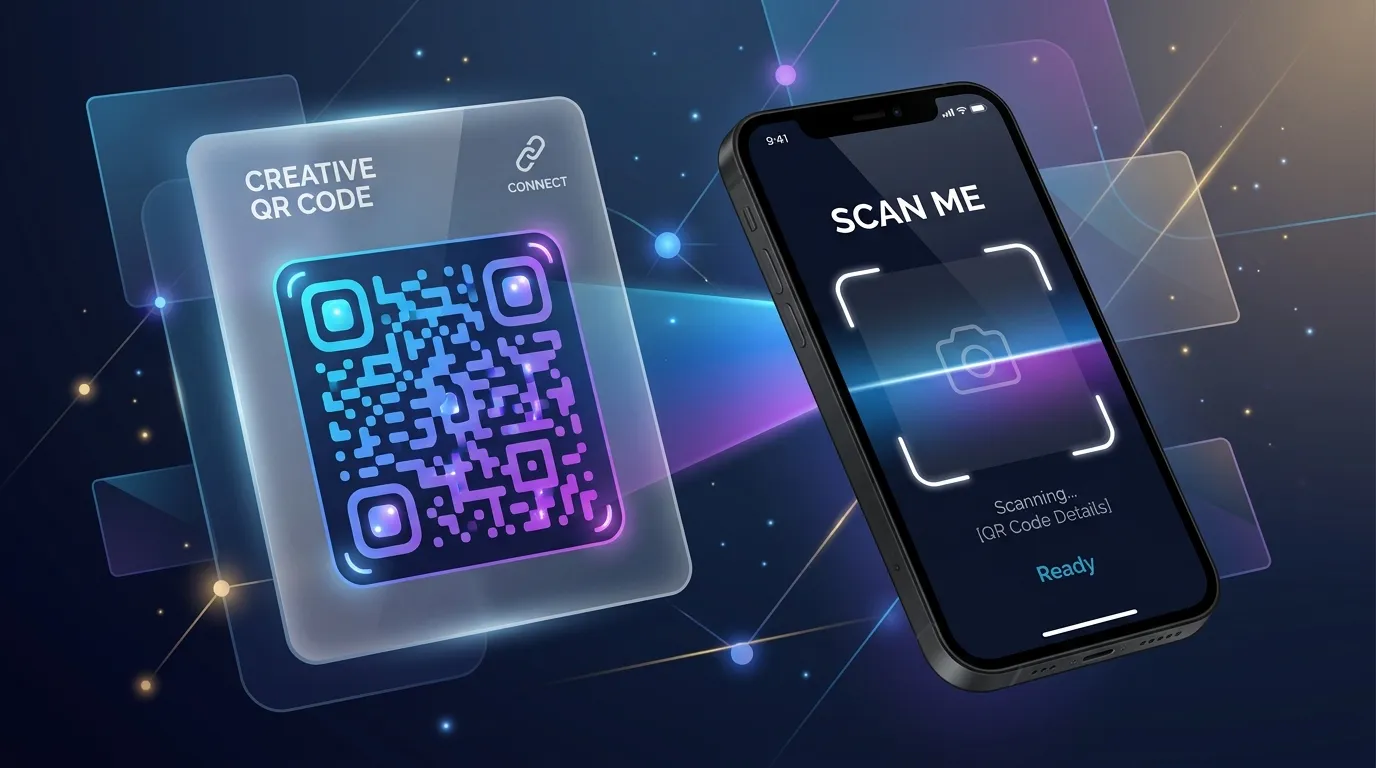
Why QR Codes Fail in the Real World (and How to Print Ones That Do Not)
A code that scans perfectly on your monitor can be unreadable on a poster, a menu, or a shipping label. Here is what breaks between the screen and the print run, and how to test before you spend money.

Tracking QR Code Scans: Analytics and Privacy
Dynamic QR codes allow you to track scan locations, times, and devices. Learn how to gather valuable marketing analytics while respecting user privacy.
Designing Scan-Friendly QR Codes: Colors, Contrast, and Placement
QR codes don't have to be boring black-and-white squares. Discover how to use custom colors, logos, and correct contrast ratios while ensuring they scan perfectly.
Related tools
Generate an email QR code for free
Create a QR code that opens a pre-filled email with your address, subject, and message.
Generate a calendar event QR code for free
Create a QR code that adds an event to the calendar when scanned, using the iCalendar format.
Generate a phone call QR code for free
Create a QR code that starts a phone call to your number when scanned.
Generate a vCard QR code for free
Share your contact details instantly with a scannable vCard QR code.
Generate a WhatsApp QR code for free
Create a QR code that opens a WhatsApp chat with your number and an optional message.
Split a PDF into separate files for free
Extract pages or split a PDF into multiple files instantly in your browser.
Format and beautify SQL online
Pretty-print or minify a SQL query instantly in your browser, with clause-based line breaks.
Escape or unescape a string online
Escape or unescape a string for JS/JSON string literals instantly in your browser.
AISummarize a PDF with AI
Get a plain-language summary of any PDF document in seconds.
Optimize and minify SVG files
Shrink SVG files by removing comments, editor metadata, empty groups and extra precision, right in your browser.
Convert text to binary or hex and back
Convert text to binary or hexadecimal UTF-8 bytes and decode them back to text, instantly in your browser.
Compare two texts and see the differences
Paste two blocks of text to see every added and removed line highlighted, instantly in your browser.